
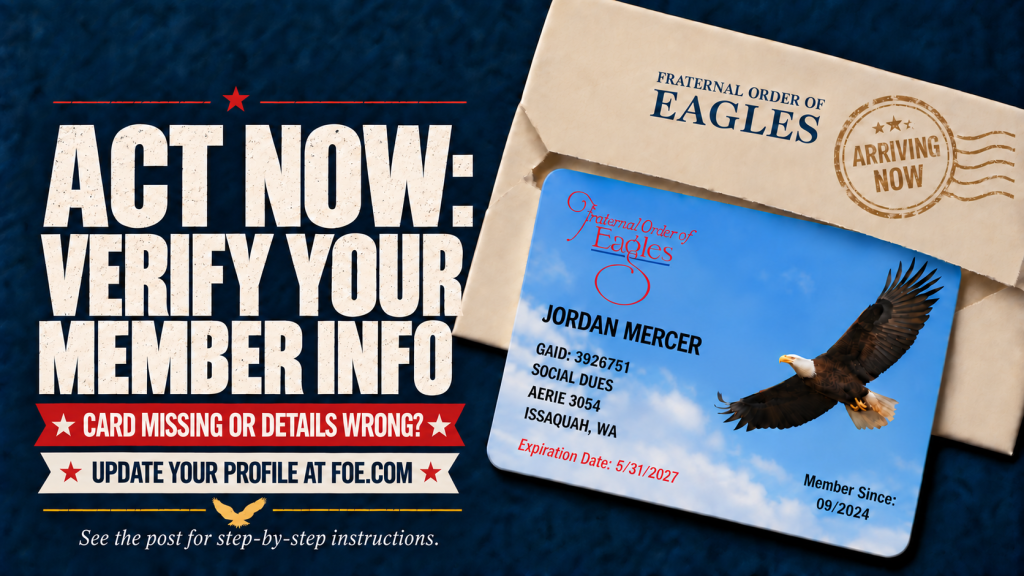
UPDATE YOUR MEMBER INFORMATION ONLINE
With the arrival of the new plastic membership cards, some members have discovered that their address or other contact information needs to be updated. The FOE website is fully operational again, and members can now review and update their information online.
REGISTER FOR AN ACCOUNT
- Go to www.foe.com.
- Click “IF YOU DON’T HAVE AN ACCOUNT, PLEASE REGISTER.”
- Enter the required information.
- Answer the CAPTCHA question.
- Click “SUBMIT.”
UPDATE YOUR INFORMATION
After registering or logging into your account:
- Go to “[Your Name] PROFILE” in the upper-right corner of the page.
- Select “EDIT CONTACT INFORMATION.”
- Update your address, phone number or email address.
- Click “SUBMIT” to save your changes.
Please review your information and make any necessary corrections to help ensure the Grand Aerie has your current contact information.